A quiet focus timer
for work and study.
Choose your durations. Focus, rest, then start again.

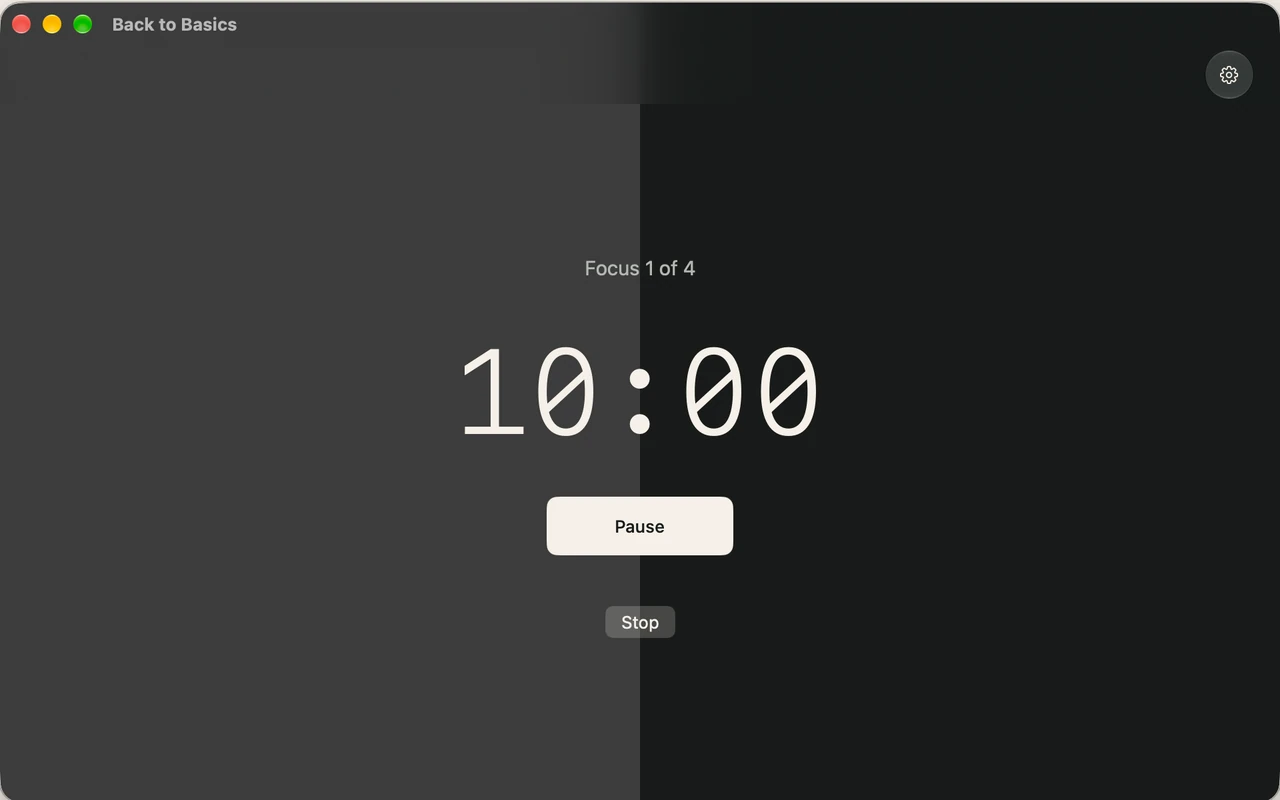
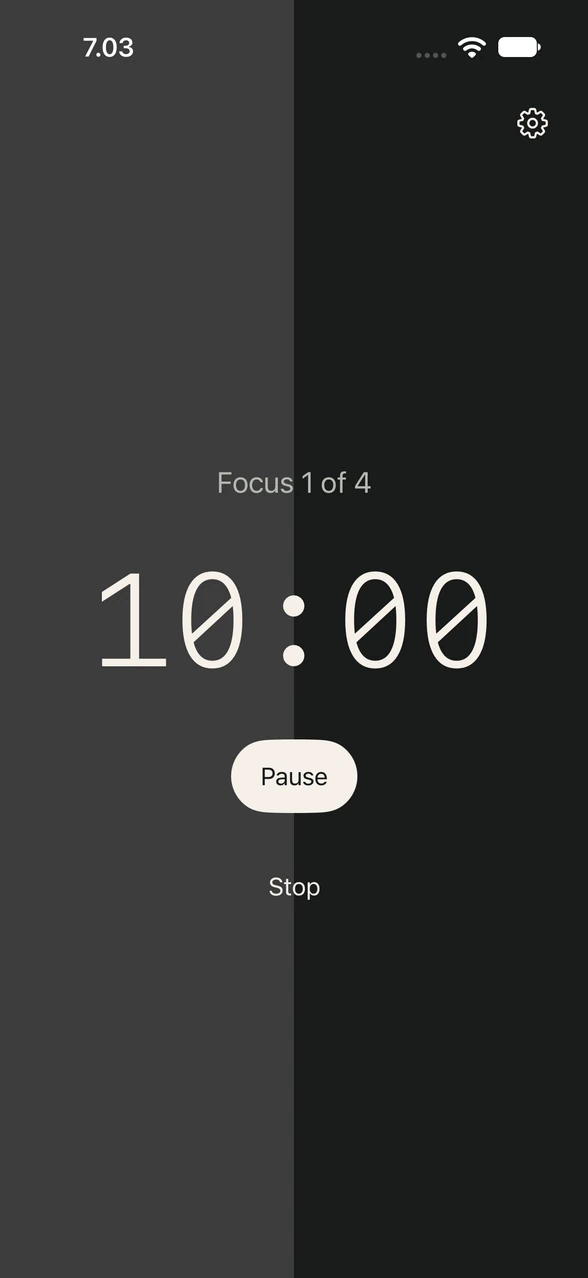
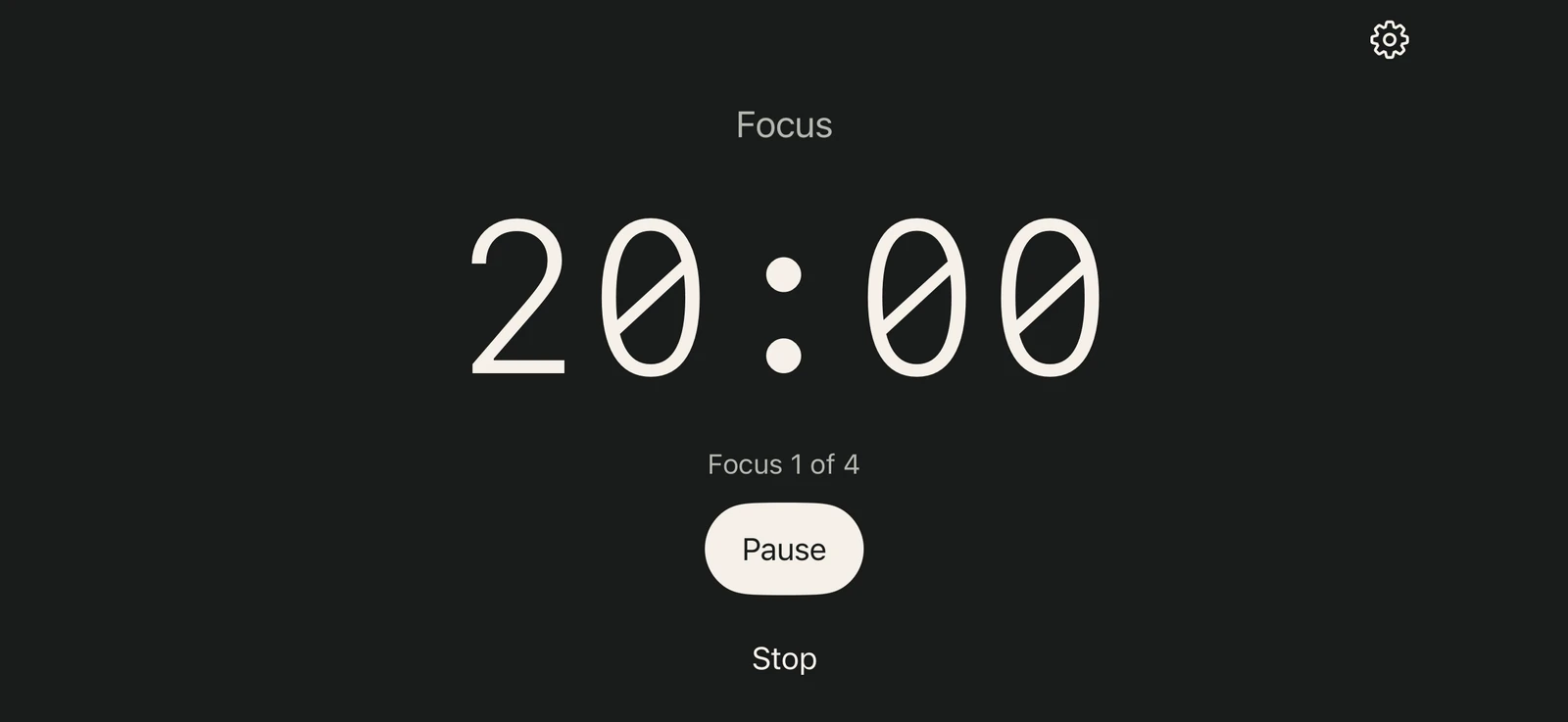
What the app includes and leaves out
Included
- A focus timer
- Durations you choose
- One screen
Left out
- Subscription
- Account
- Ads
- In-app analytics
- Streaks and scores
- Session history
- Required Internet connection
Simple.
By choice.
How it works.
- Buy once.
No subscription. - Pay once for permanent access. There are no recurring fees.
- Your time
is private. - Your active timer and preferences stay on your device, without accounts, ads, or analytics.
- Go offline.
- Your timer works without an internet connection after installation. App downloads and purchases need connectivity.
- Less on
your screen. - One screen for timer controls and adjustable durations. No streaks, scores, or session history.
A work and break timer that lets you choose when to restart
-
Focus
20min
Make room for one thing.
-
Rest
05min
Your break starts automatically.
-
Begin again
Your call.
The next focus starts when you tap.
Set your own durations. The times here are just an example.
A focus timer for Mac, iPhone, Android and the web
Use the free browser timer or get the app for your device.
- Free in your browser
- No purchase or account. After one successful online load, the timer can be cached for offline use. Keep the page open for optional browser alerts. Use the fullscreen desk timer
- Android app
- A dedicated installed app, available on Google Play as a one-time purchase. The US listing is $4.99; Google Play shows your local price. No subscription.
- iPhone app
- One US $4.99 App Store purchase covers iPhone and Mac. Google Play purchases are separate.
- Mac app
- See the countdown in your menu bar or put it on a full screen. Requires an Apple silicon Mac with macOS 15 or later. Explore the Mac focus timer
A few practical details.
What to expect from the timer, whichever screen you use.
Can I use the timer offline?
The browser timer needs one successful online load to cache its files. After that, it can run offline while the browser keeps those files. The installed app keeps timer state and preferences on your device and works offline after installation. Downloading and buying an app requires a connection. Read the privacy details.
Will browser alerts sound if I leave the page?
Allow optional browser alerts and keep the timer page open. A suspended tab may delay an alert; a closed page cannot send one. The timer still works if alerts are unavailable or turned off.
Can I use it as a Pomodoro timer?
Yes. The default focus is 20 minutes, with a 5-minute rest and a 15-minute long rest after every fourth focus. Set focus to 25 minutes for a 25/5 rhythm. Rest starts automatically; the next focus starts when you tap. Follow the 25-minute setup guide.
Can I choose my own durations?
Yes. Set focus, short rest and long rest from 1 to 180 whole minutes. Saved changes apply to the next focus and its paired rest; the current timer keeps its original duration. Get support if you need help.
Does the next focus start automatically?
Focus ends by starting the appropriate rest automatically. When rest ends, the timer waits until you tap to begin the next focus.
Is the Android app a subscription?
No. Google Play lists it as a one-time purchase, with no recurring fee. The US price is $4.99; the store shows local pricing before purchase.
Does one purchase cover Google Play and the App Store?
No. Store purchases are separate. A Google Play purchase does not include an App Store copy, and an App Store purchase does not include a Google Play copy.
Do the apps track my focus sessions?
No. The apps have no in-app analytics or session history; they keep only your active timer and preferences. This landing page uses Plausible to measure visits and button clicks.
A timer for focus and rest.